
WordPress Integration
Install Denser.ai’s WordPress plugin for instant AI chat on your site. Easy setup, seamless integration, and powerful chatbot features for real-world use.
Skip manual code edits--install the Denser WordPress plugin to manage your chatbot from the WordPress admin and keep embeds in sync.
What you need
- WordPress access with permission to install plugins.
- Your chatbot's ID from the Denser dashboard.
Install the plugin
In WordPress, go to Plugins -> Add New.
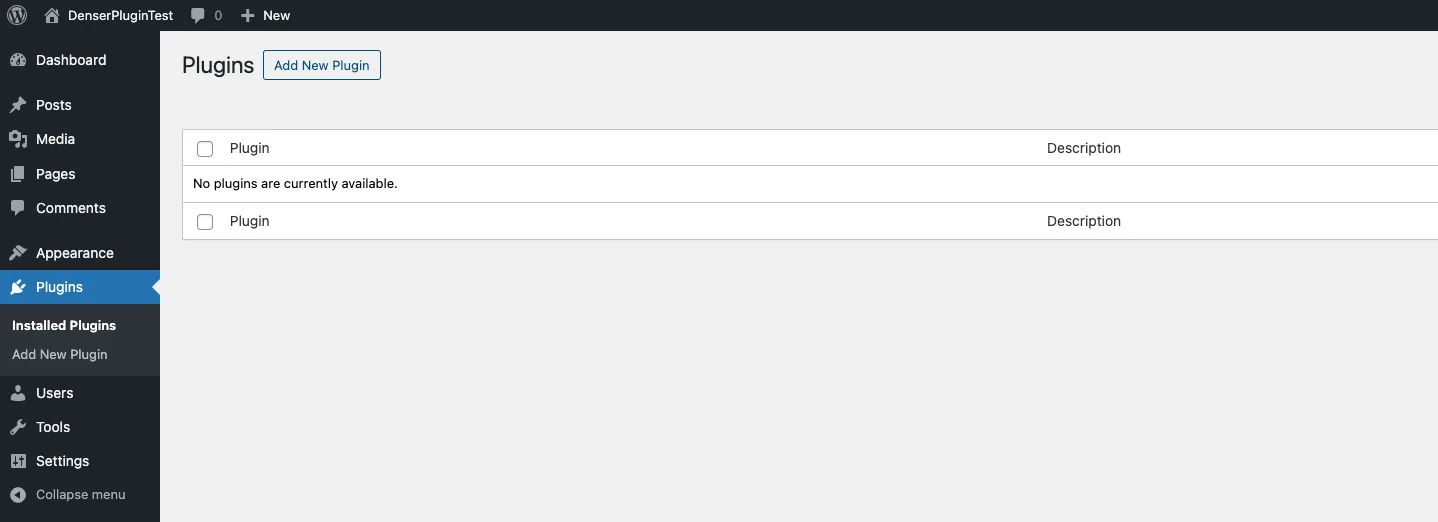
Type Denser into the search bar and hit enter. Find Denser plugin similar to the following screenshot.

Click Install Now. Once installation completes, click Activate.
Download the latest build from the Denser plugin page.
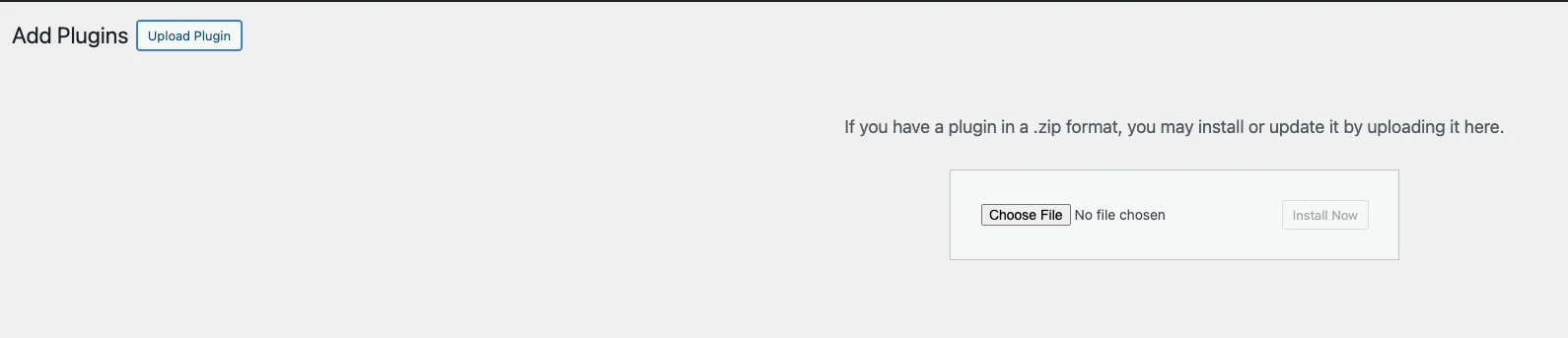
In Plugins -> Add New, click Upload Plugin, choose the zip, and upload.
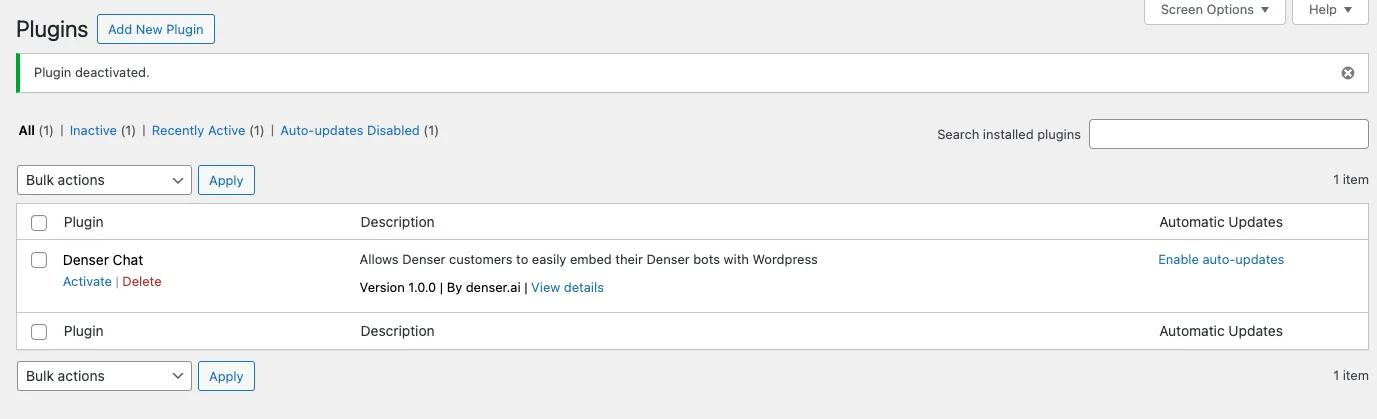
Find Denser in the installed list and click Activate.
Deployment
Head to Settings -> Denser Chat inside your WordPress admin.
Paste the chatbot ID from your Denser dashboard into the Denser Chatbot ID field.
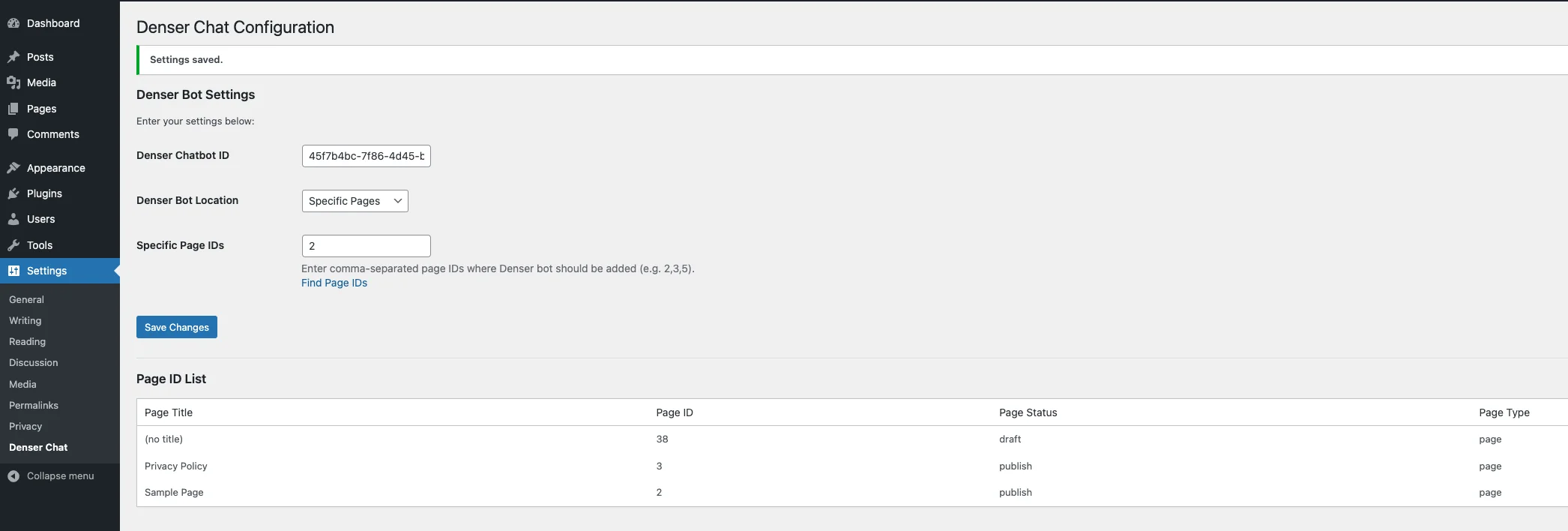
Set Denser Bot Location to control the pages that display the widget:
- All Pages -- show everywhere.
- Home Page Only -- limit to the homepage.
- Specific Pages -- enter page IDs separated by commas for a custom list.
Save your settings and load the site--your chatbot should appear instantly on the chosen pages.
