
Telegram Integration
Integrate your chatbot with Telegram. Ask your chatbot questions from a Telegram channel and receive response as Telegram message.
Bring DenserAI to Telegram so audiences can chat with your assistant from any device.
Before you start
Make sure you have a Telegram account and access to @BotFather to create bots.
Create a Telegram bot
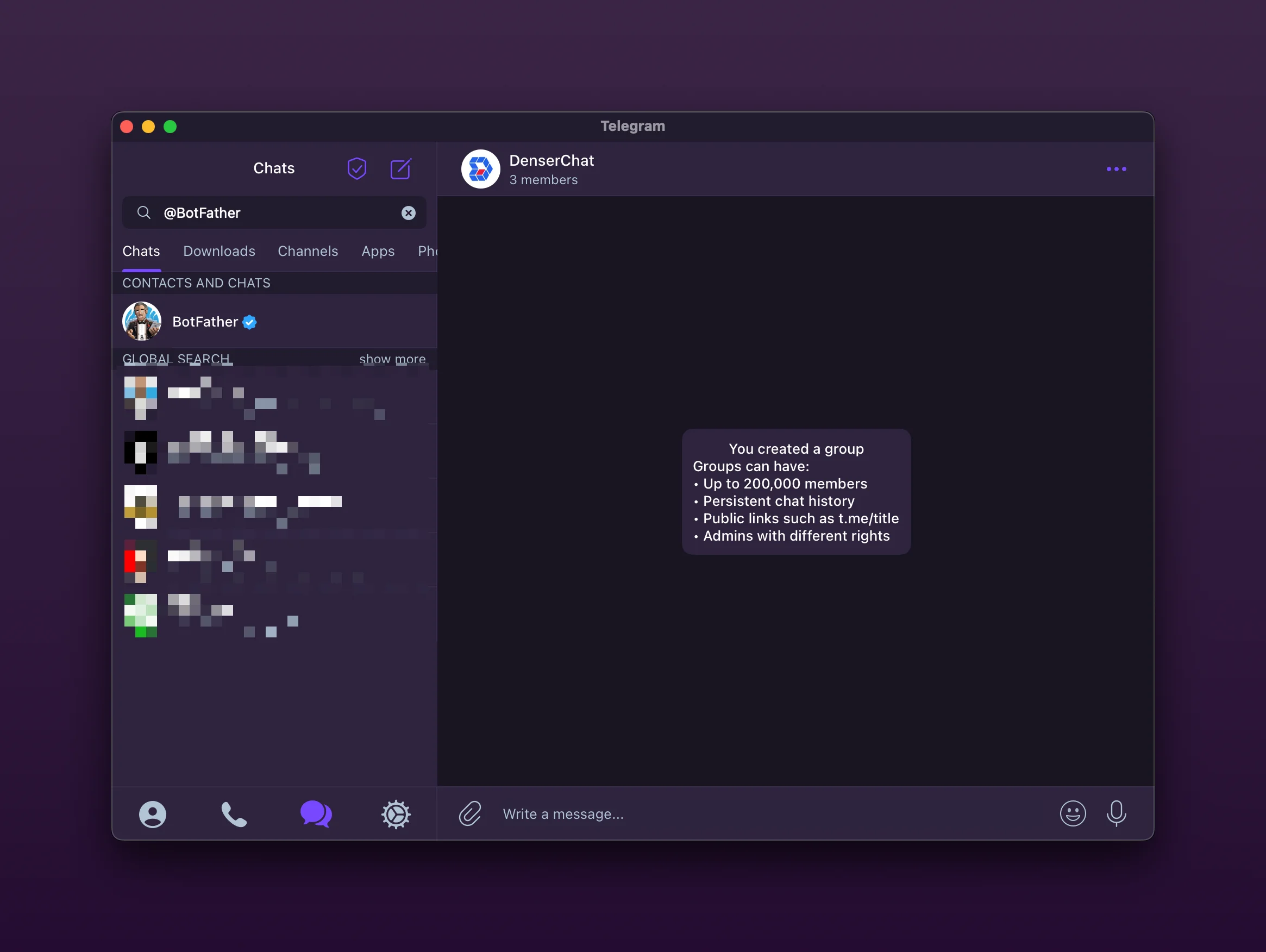
Open Telegram and start a chat with @BotFather.
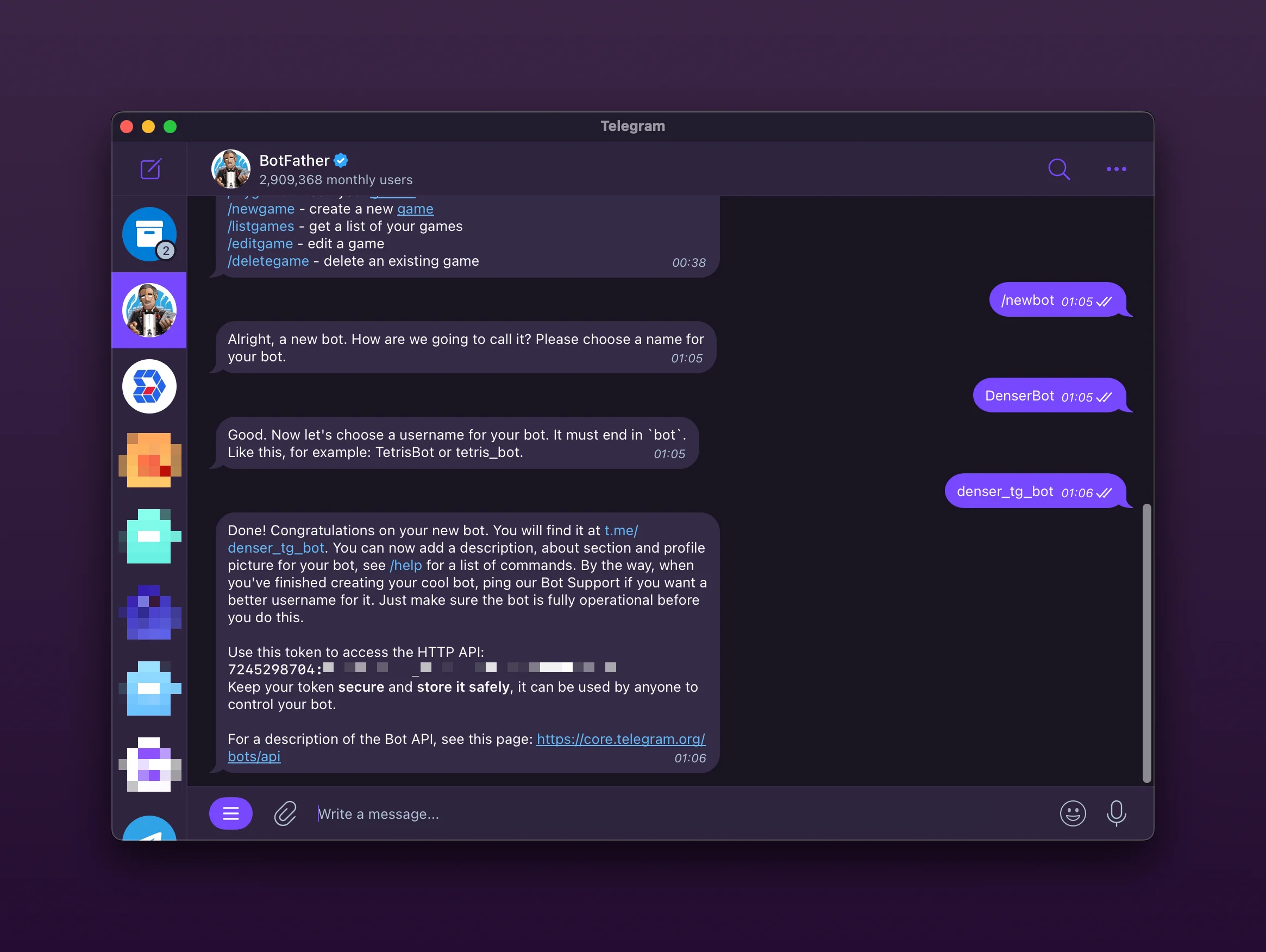
Send /newbot, follow the prompts, and copy the HTTP API token.
Connect the bot in Denser
- In your chatbot dashboard, go to Deploy and open the Telegram card.
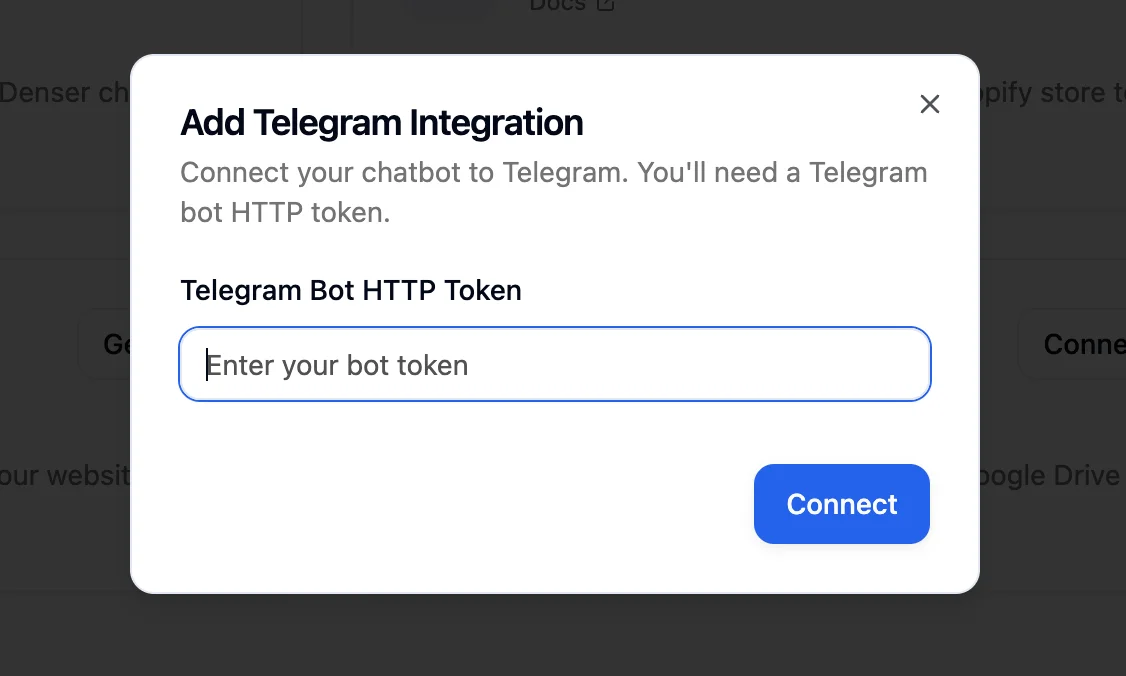
- Click Connect, paste the BotFather token, and confirm.
Test the experience
Search for your bot in Telegram and send a message. The assistant will respond in-thread just like it would on your site.
Add to channels (optional)
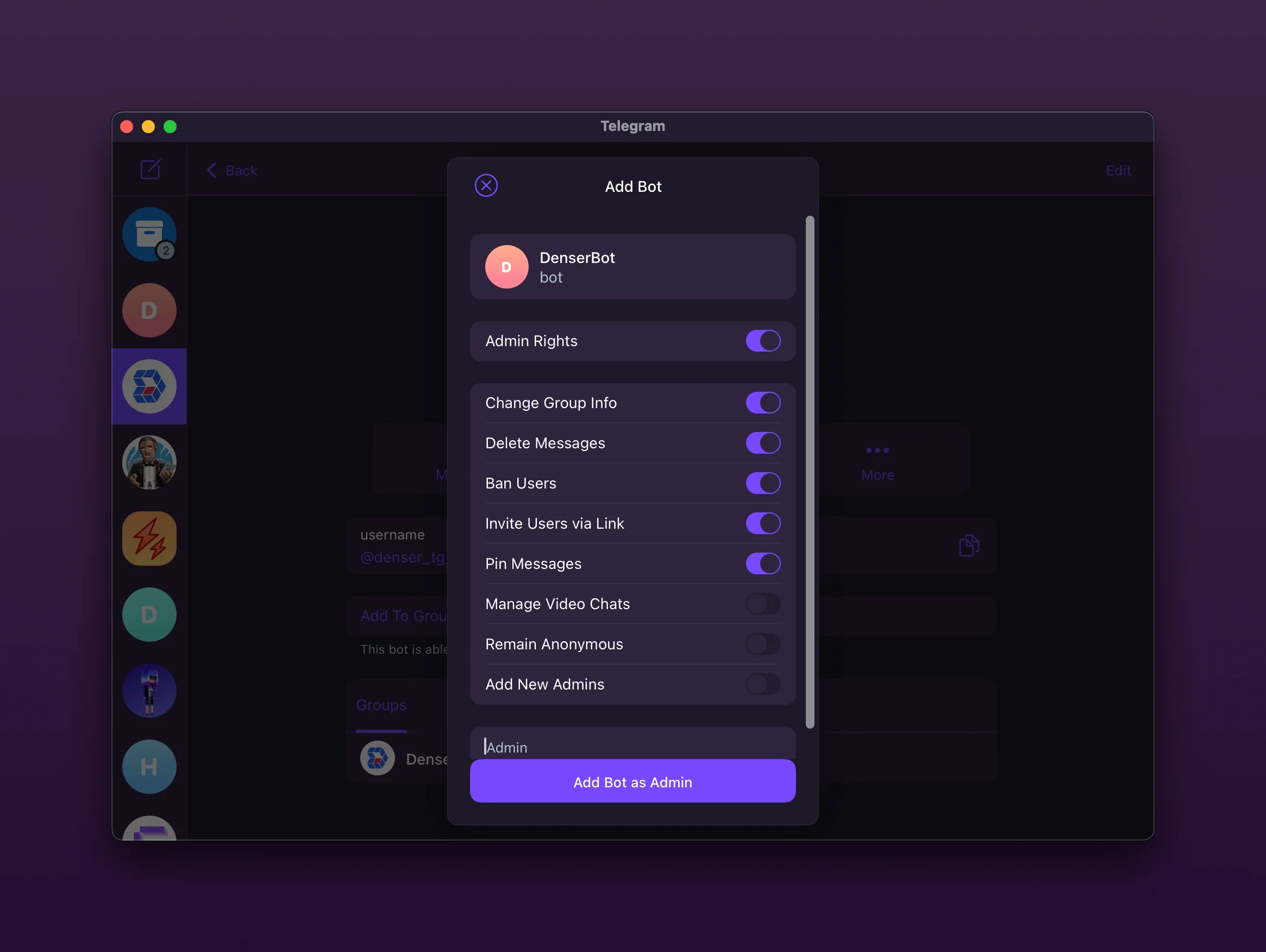
Edit your channel's member list, add the bot as an administrator, and it can answer questions for the entire group.
Disconnect anytime
Use the Disconnect button on the Telegram card to revoke access instantly if you ever need to rotate tokens.
Slack Integration
Integrate your chatbot with Slack. Ask your chatbot questions from a Slack channel and receive response as Slack reply message.
Shopify Integration
Integrate Denser.ai chat with Shopify. Build a chatbot that knows your products & answers customer questions 24/7 and supports browsing in your store.